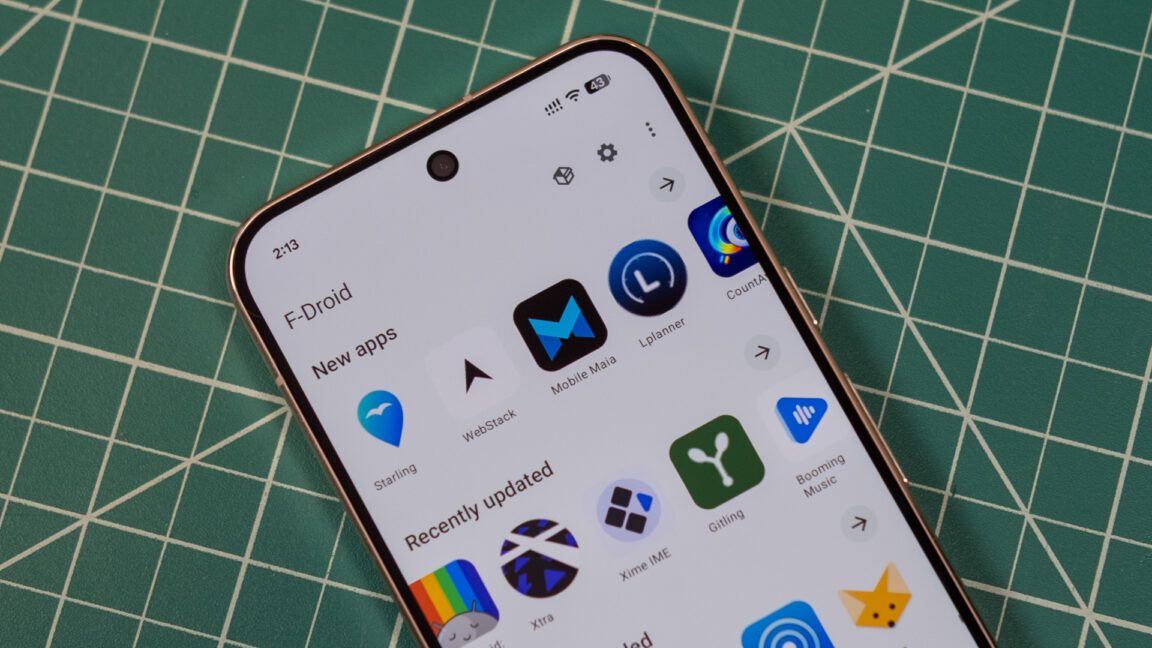
F-Droid gets its biggest update in a decade with new UI and smoother app installs
The team also says that F-Droid 2.0 will automatically check for and install app updates (unless you disable this). It can also download and install multiple apps simultaneously. Given the auto-updates, F-Droid no longer uses pull-to-refresh on the app screen, which the developers acknowledge may upset their particular user base. Manual updates are still available in the three-dot menu for peace of mind.
Here’s the highlighted changelog from F-Droid.
New in version 2.0.0 UI rewritten from scratch with Kotlin compose Improved search, also searching in descriptions and translations Easier to discover new apps, also highlighting the most downloaded ones Installation approval *before* downloading Multiple updates/downloads at the same time Notifying user of issues with apps (e.g. signing key changed) Optional Material You color theme Improved filtering of lists
- UI rewritten from scratch with Kotlin compose
- Improved search, also searching in descriptions and translations
- Easier to discover new apps, also highlighting the most downloaded ones
- Installation approval *before* downloading
- Multiple updates/downloads at the same time
- Notifying user of issues with apps (e.g. signing key changed)
- Optional Material You color theme
- Improved filtering of lists
The new F-Droid client is rolling out in stages over the next two weeks—the default installer on the F-Droid site hasn’t been replaced yet. If you want the 2.0 release right now, it’s available on the versions page. The official client is not the only way to access F-Droid apps, but now you’ll have less reason to seek out an alternative.